The Nogod7 app is available for both Android and iOS. Download the version that matches your device.
Download the Nogod7 Android app directly and install it on any Android smartphone.
IPhone and iPad users can download the Nogod7 iOS app and start gaming instantly.
If you'd rather not download the app, you can use Nogod7's mobile website instead. Any modern browser gives you the same experience — no separate installation needed.

Installing the Nogod7 APK on Android is quick and easy. Just follow a few simple steps.
On your Android phone, go to Settings > Security and enable Unknown Sources. This is required to install third-party APKs.
Tap the "Download for Android" button above and let the APK file save to your device.
Once the download is complete, open File Manager, tap the downloaded APK file, and press "Install".
Once installation is complete, open the Nogod7 app. New users can register, while existing users can log in directly.
Once everything is set up, pick your favorite game and start playing. Slots, Fish Games, Betting — it's all in one place.
Installing Nogod7 on an iPhone or iPad is even simpler — no extra settings changes needed on Apple devices.
Tap the "Download for iOS" button above. This works from Safari or any other browser.
Tap "Install" on the popup prompt. iOS may ask for your Apple ID password — go ahead and enter it.
Go to Settings > General > VPN & Device Management and trust Nogod7. You only need to do this once.
Enable Face ID or Touch ID for a faster, more secure login experience. It adds an extra layer of protection to your account.
Open the app, log in to your Nogod7 account, and pick your favorite game.
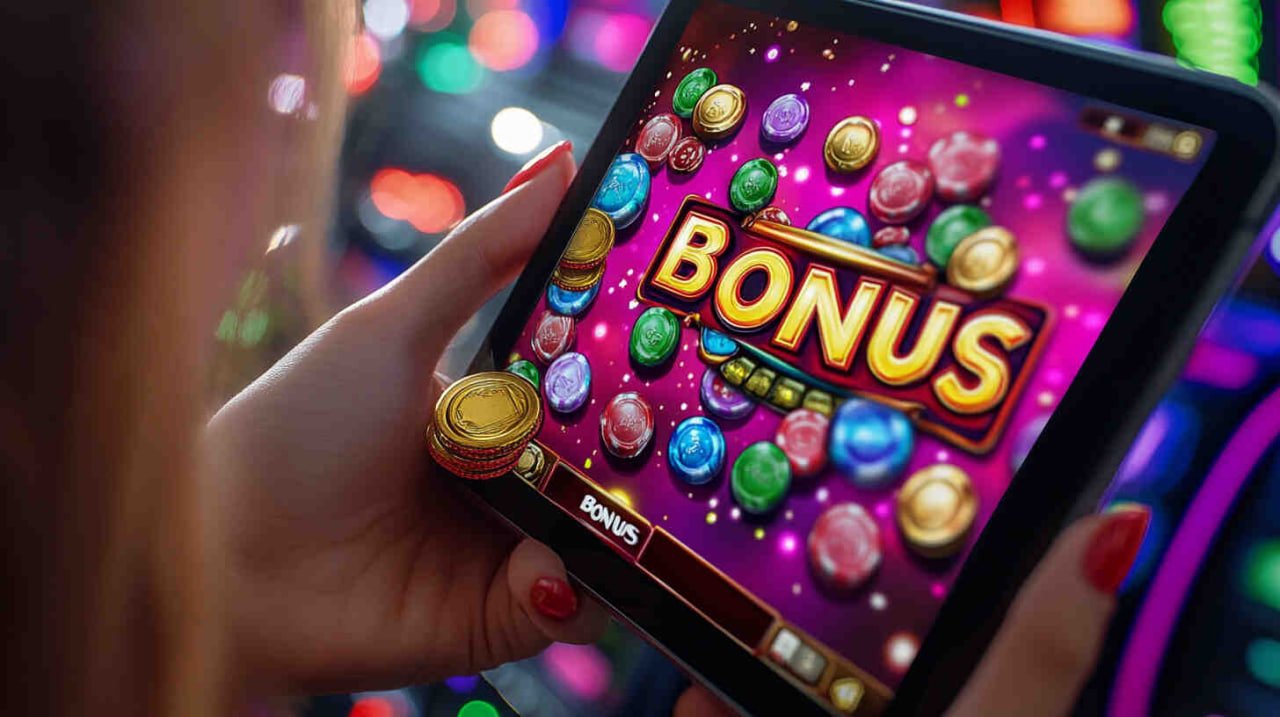
Mobile gaming today is no longer just a way to pass the time — it has become a full-fledged entertainment experience. Nogod7 understands this, which is why exceptional care has gone into building our mobile app. The full desktop experience is now right in the palm of your hand.
The Nogod7 app's graphical interface has been thoughtfully designed — vibrant and visually appealing, yet easy on the eyes. Even during long sessions, you won't feel fatigued. Every button, icon, and menu is laid out so intuitively that new users can find their way around within minutes.
Loading speed is one of the standout advantages of the Nogod7 app. While many apps take a while to open, that's not the case with Nogod7. The app uses optimized code and lightweight data, delivering great performance even on slow connections. It runs smoothly on 3G as well.
Nogod7 never compromises on security. All transactions and personal data within the app are protected by SSL encryption. Two-factor authentication is available at login. Face ID and Touch ID are supported on iOS devices. Even if someone gets hold of your phone, they won't be able to access your Nogod7 account.
The push notification feature is genuinely useful. Get instant alerts for new bonus offers, promotions, tournament kicks-offs, and important updates — no need to keep opening the app to check. Nogod7 will keep you in the loop automatically.
Account management in the Nogod7 app is straightforward. View your deposits, withdrawals, game history, and bonus balance all in one dashboard. Mobile banking and other digital payment methods are accessible directly through the app.
Another standout feature of the Nogod7 app is its regular updates. Every month brings new games, new features, and performance improvements. Once installed, the app can update automatically, or you can update it manually.
Customer support is available right within the app. The live chat option can be accessed directly from the app, and the support team communicates in Bengali, so there's no language barrier. Any issue you run into can be resolved quickly.
The Nogod7 app is highly efficient when it comes to battery and data usage. Compared to many other gaming apps, it consumes less battery and uses less data — so you don't have to worry about burning through your mobile data while you're out.
Above all, the Nogod7 mobile app is more than just a gaming platform — it's a complete entertainment companion. Whether it's morning tea, a midday break, or winding down at night, Nogod7 is always with you.
Download the official Nogod7 app directly from this page. Avoid third-party sites — they may carry the risk of viruses and malware. The official Nogod7 app is fully safe and verified.
Android 6.0+, 2 GB+ RAM, 50 MB free storage
IOS 13.0+, iPhone 7 or later, iPad Air 2+
A stable 3G/4G/5G or Wi-Fi connection is required
Not sure which option suits you best? Check out the comparison below.
| Features | Nogod7 App | Mobile Browser |
|---|---|---|
| Loading Speed | Fastest | Good |
| Push Notifications | ✅ Available | ❌ Not Available |
| Offline Access | ✅ Partial | ❌ Not Available |
| Face ID / Touch ID | ✅ Supported | ❌ Not Available |
| Data Usage | Low | More |
| Graphics Quality | Maximum | Good |
| Installation | Required | Not Required |
| Update | Automatic | Always Up to Date |

Find answers to common questions about downloading and installing the Nogod7 app.